Click here to chat with me!
Search our website now

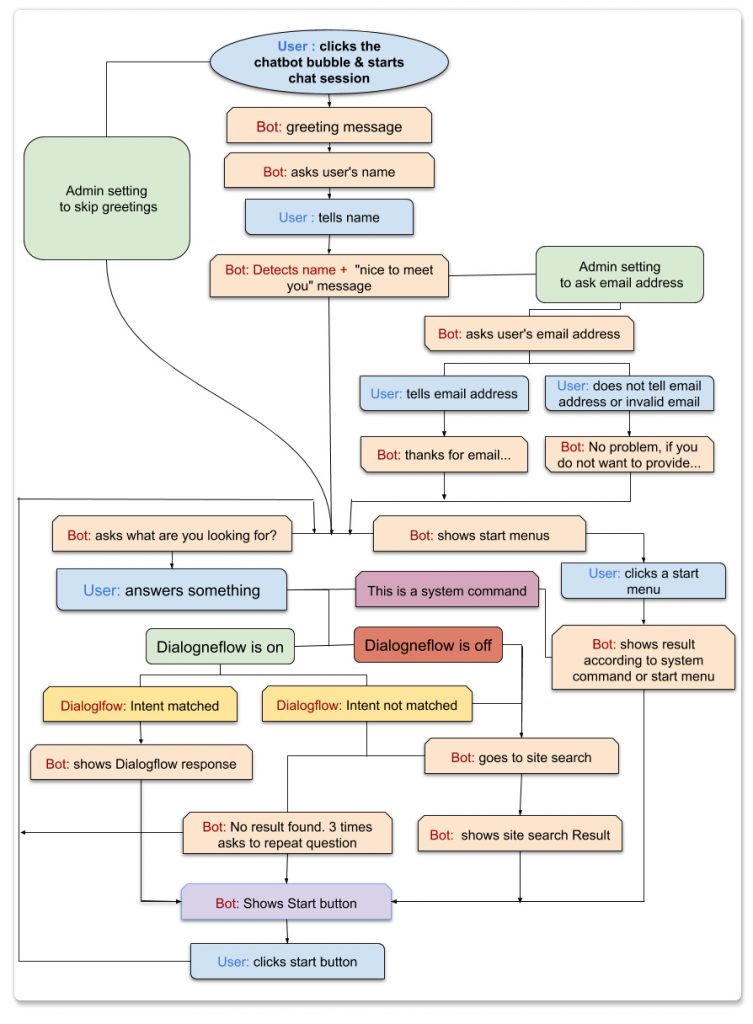






A great way to engage visitors. Easy to use, and understand. I highly recommend.

Customer support is very responsive and professional. The script is awesome and with many features, including A.I. from Dialogflow. High quality.





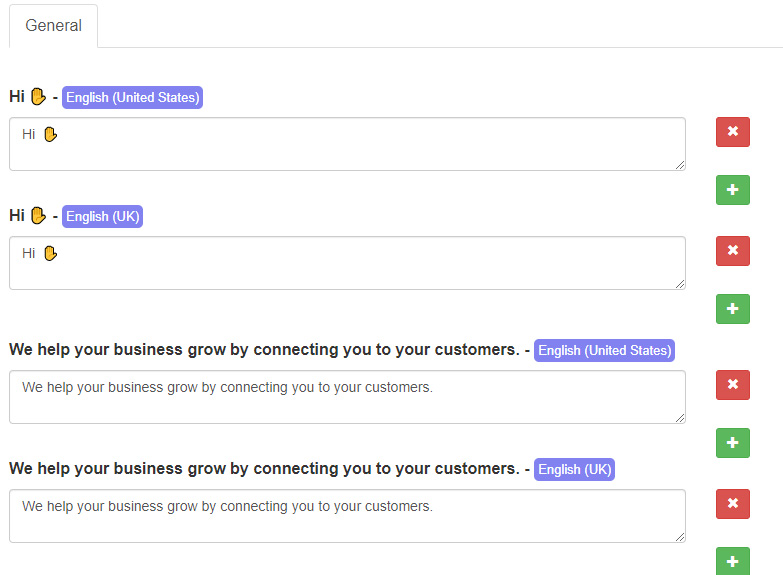
We help your business grow by connecting you to your customers.
Click here to chat with me!
Search our website now

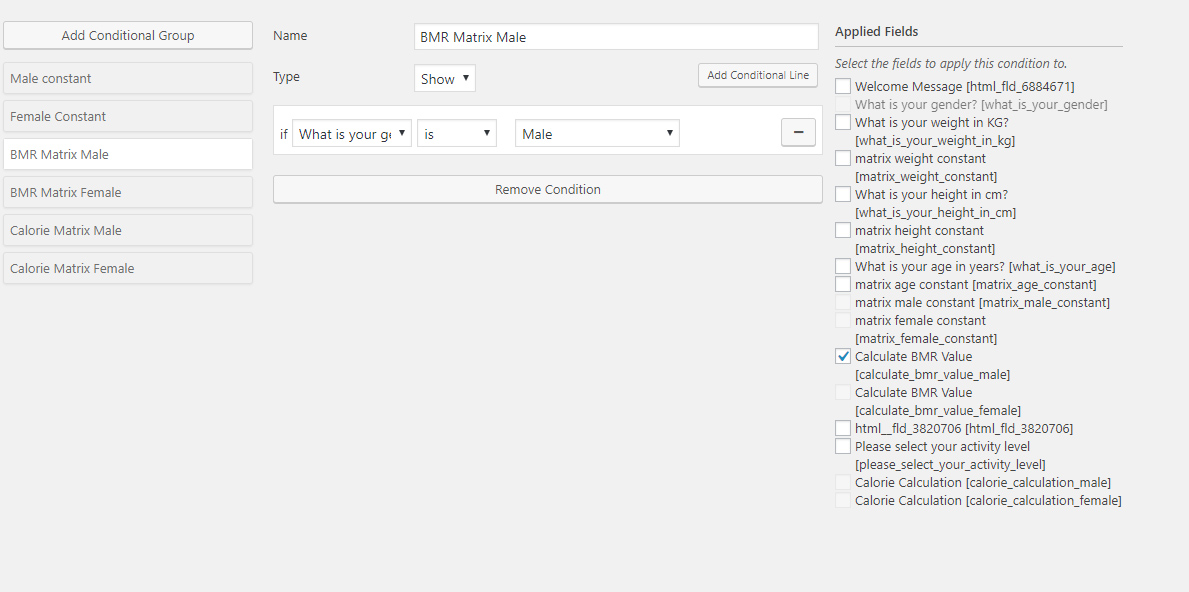
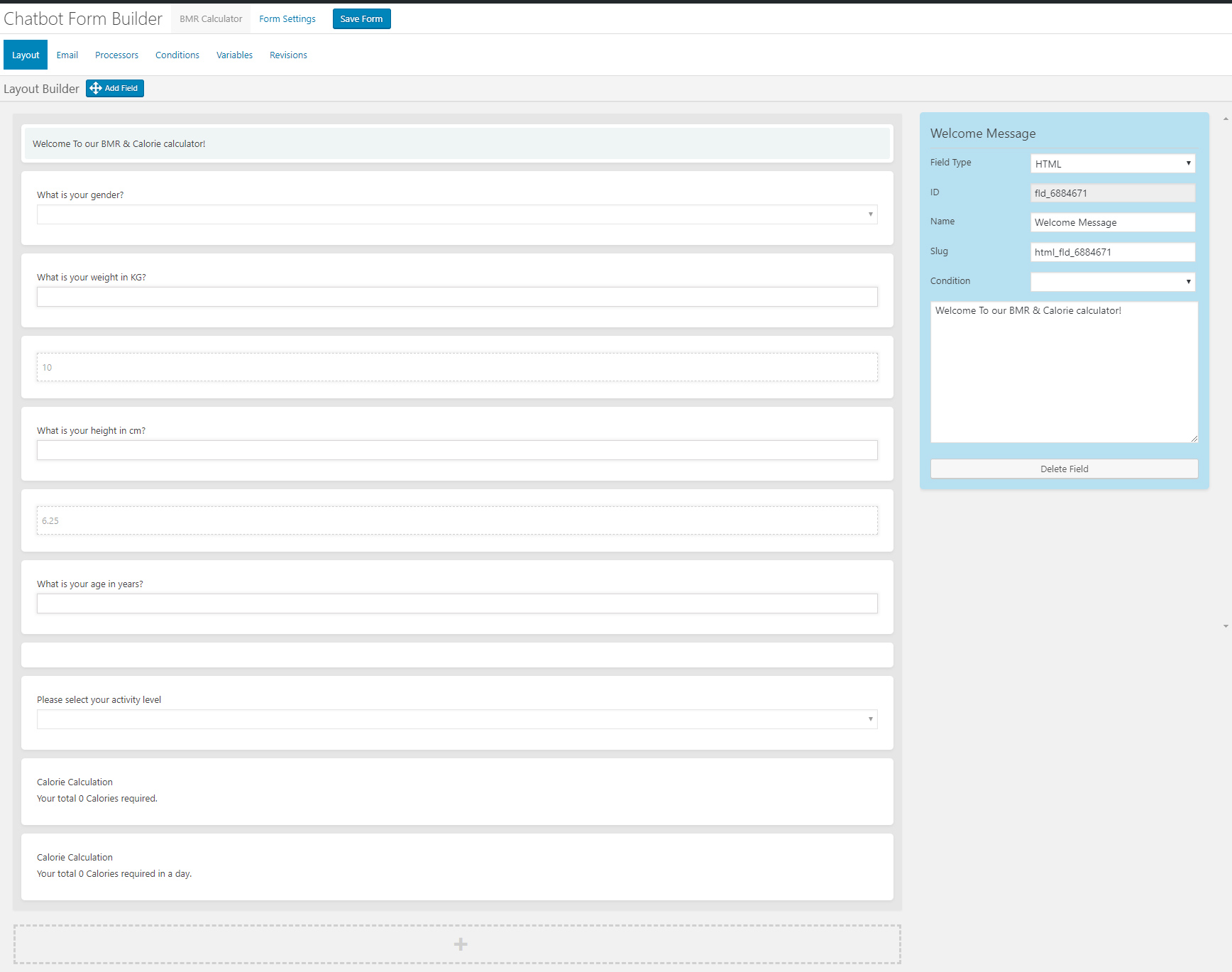
Create conditional conversations and forms for a native WordPress ChatBot experience Build Standard Forms, Dynamic Forms with conditional fields, Calculators, Appointment booking etc. Comes with 7 ready templates built-in. Saves form data into database, auto response, conditional fields, variables, saved revisions and more!
This Addon requires the WPBot Pro V 9.2.0+
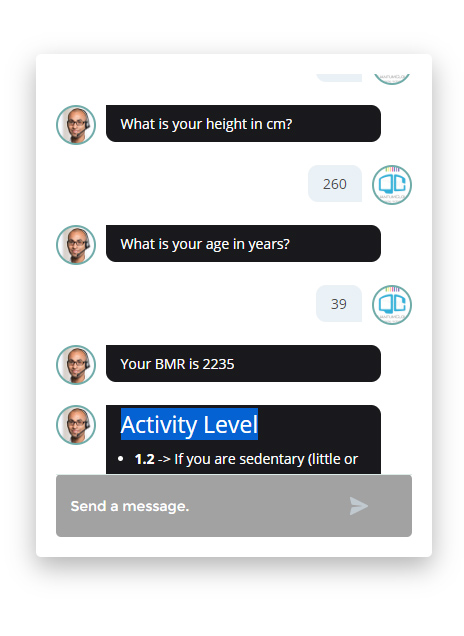
Conversational Forms is a powerful Addon for WPBot. It extents WPBot’s functionality and adds the ability to create conditional conversations and/or forms for the WPBot. It is a visual, drag and drop form builder that is easy to use and very flexible. Supports conditional logic and use of variables to build all types of forms or just menu driven conversations with if else logic. Conversations or forms can be eMailed to you and saved in the database.
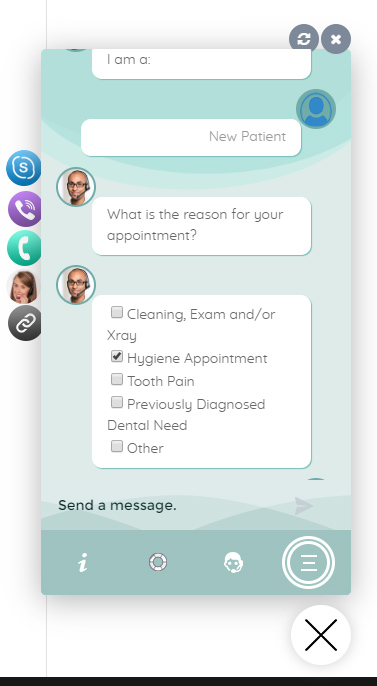
Conversation Forms Pro allows you to create a wide variety of forms, that might include:
After creating a Conversation or form, you can show it in the ChatBot in different ways.
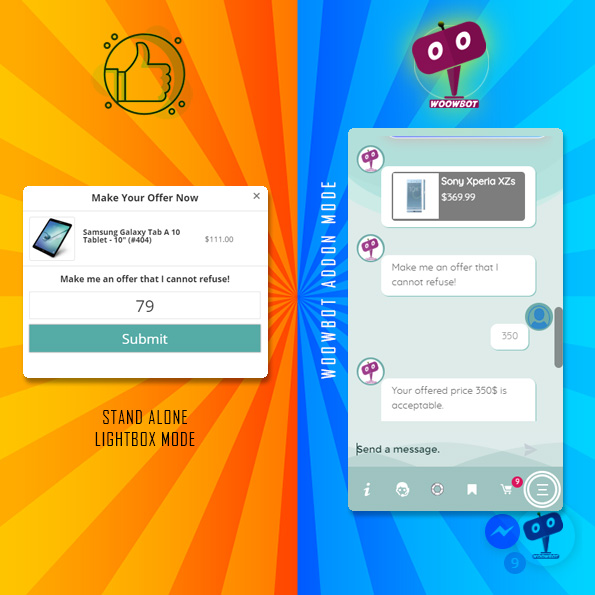
Say goodbye to the old and boring way of offering discounts for the sake of it. Let your customers haggle for it. Bargaining Bot is the World’s first negotiation bot for WooCommerce. Shoppers are more likely to take advantage of their discount if they have to “work” for it. It makes the shopping experience much more lively and interactive.
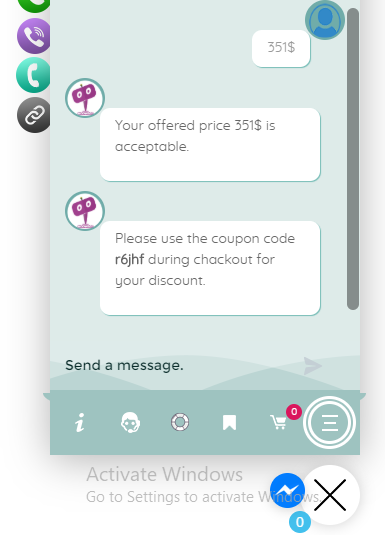
Once a deal is made by the Bargaining Bot, the shopper can complete the checkout with the discounted price.
If no deal is made, the ChatBot offers to email the shopper’s last offered price to the shop admin. Admin can then email the Customer to complete the deal.
Price is the most important factor in a shopper’s decision to buy, yet most shoppers leave because your fixed price is a few dollars too high. The Bargaining Bot lets you capture more sales because the price is negotiated based on what the customer is willing to pay and the minimum price at which you are willing to sell.
Here is why the Bargain Bot will earn you higher revenue and profit margins:
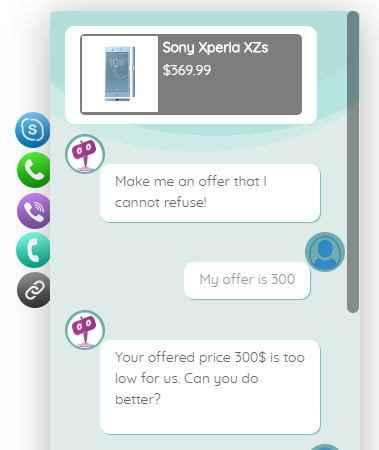
In addition to your Add to Cart button, the Bargaining Bot enables a Make Your Offer Now button. After clicking this button, shoppers can enter an Offer Price. If their Offer Price is at or above your Minimum Acceptable price, then the Bargaining Bot accepts the offer.
If the Offer Price is below your minimum acceptable price, the Bot will automatically ask the shopper for a better price. If the price is too low, the Bot will make the last offer at your Minimum Acceptable price. If the shopper accepts it then the Bot will apply a product-specific discount and ask to checkout.
If the shopper denies the offer, Bot will ask for the shopper’s email that will be sent to the shop admin with details about the product and the last offer by the shopper.
Once you install the Bot, you may apply the Make Your Offer Now button to any specific product or all products in your store with just one click. You can set up the Minimum Acceptable price for an individual product or set a Global discount percentage from the Bot settings. When you set a Minimum Acceptable price for the individual product the individual pricing will override the global setting.
With our Bot, price negotiation can happen on any product! The main benefits are increased engagement and conversion because you can allow shoppers to stay on your site, make a Price Offer, and your pricing rules will enable them in many cases to buy when they want to buy – now. Sell more, sell faster, and sell at higher margins with the Bargaining Bot! Also, there is the Exit intent detection feature…
If a shopper is on your product single page and wants to close the browser window or leave your website, Bargain bot will come into action. Bargain Bot will detect the shopper’s exit intent and ask to offer their own price instead of just leaving.

**Product variations set by 3rd party plugins may not work. Woocommerce product variations is supported fully.